 Slashdot Mirror
'Have I Been Pwned' Is Being Integrated Into Firefox, 1Password (troyhunt.com)
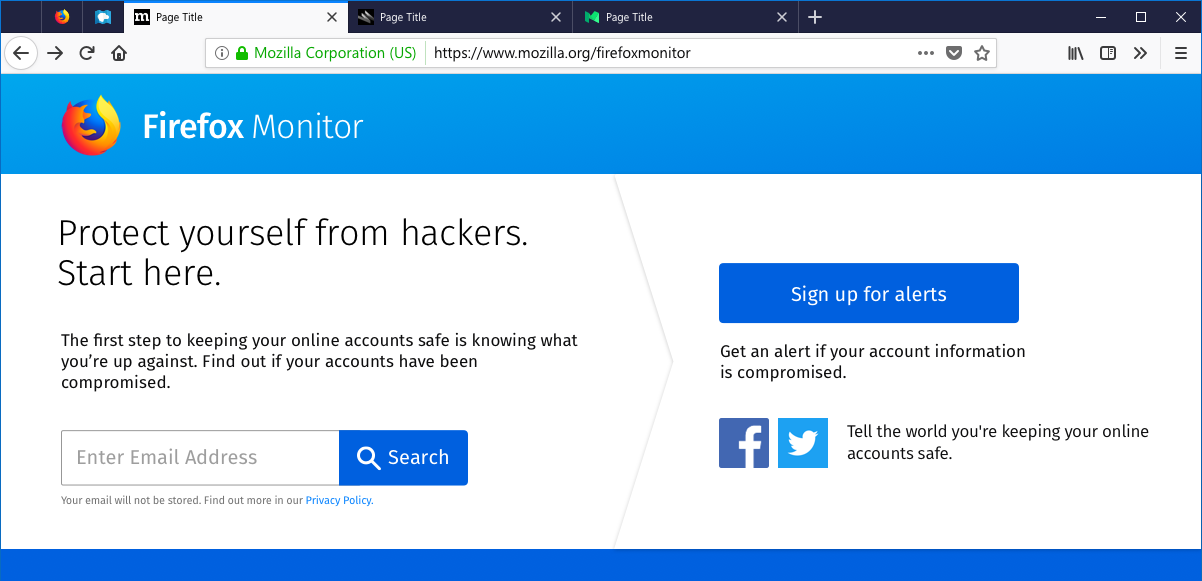
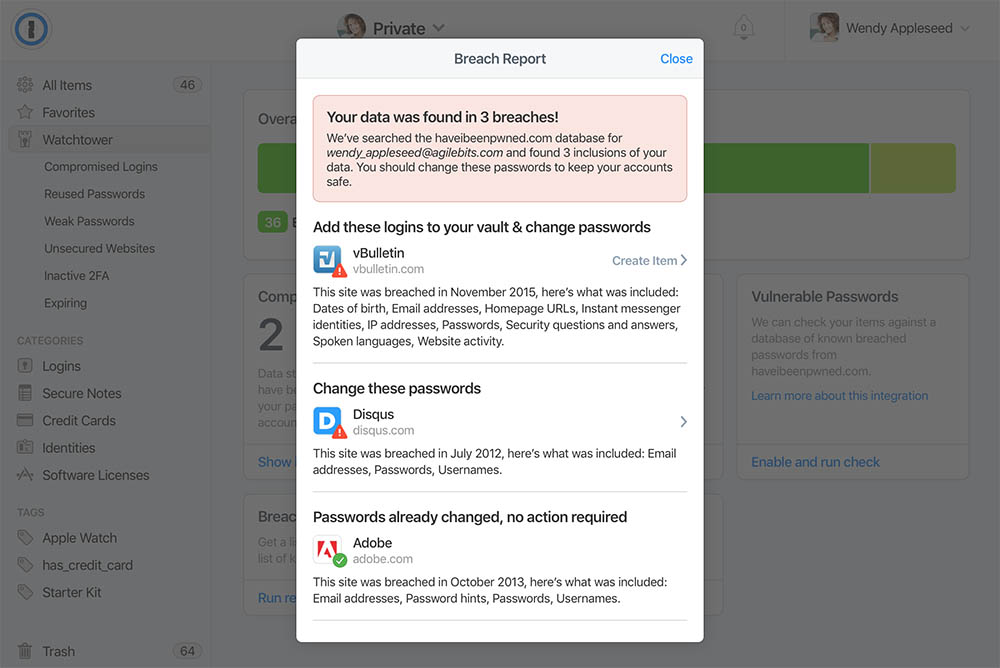
Troy Hunt, web security expert and creator of the website Have I Been Pwned (HIBP), wrote a blog post announcing his partnerships with Firefox and 1Password. For those unfamiliar with the site, Have I Been Pwned allows you to search across multiple data breaches to see if your email address has been compromised. The service is especially handy now that data breaches are becoming a daily occurrence. Hunt writes: Last November, there was much press about Mozilla integrating HIBP into Firefox. I was a bit surprised at the time as it was nothing more than their Breach Alerts feature which simply highlighted if the site being visited had previously been in a data breach (it draws this from the freely accessible breach API on HIBP). But the press picked up on some signals which indicated that in the long term, we had bigger plans than that and the whole thing got a heap of very positive attention. I ended up fielding a heap of media calls just on that one little feature - people loved the idea of HIBP in Firefox, even in a very simple form. As it turns out, we had much bigger plans and that's what I'm sharing here today. Over the coming weeks, Mozilla will begin trialling integration between HIBP and Firefox to make breach data searchable via a new tool called "Firefox Monitor." Here's what Hunt has to say about 1Password: As of now, you can search HIBP from directly within 1Password via the Watchtower feature in the web version of the product. This helps Watchtower become "mission control" for accounts and introduces the "Breach Report" feature. If you're a 1Password user you can use this feature right now, just head on over to the 1Password login page.
Want to know if you've been pwned? Enter your email address right here to start receiving junk mail.
I have my own domain name and I can have unlimited aliasses at my hosting company.
So I have separate addresses for separate websites, companies or other situations.
e.g. I will have bank.com@example.com, slashdot.org@example.com, spamaddres@example.com, holiday2018@example.com.
So if bank.com sends me an email, it will be to the address that they know, being bank.com@example.com. If I get an email from them to e.g. spamaddres@example.com or any other address, I know it is not them and thus a fake email. If i get an email to bank.com@example.com and it is NOT from bank.com I know that they have either been hacked (and not informed me) or sold my address. Neither wil be a good thing for their further business with me.
It is also very easy to filter as it is some sort of two factor verification where both from and to need to be correct.
And if an email address is compromised, I can just turn it off after I have changed it at the company.
The only company I was actually getting spam from was ebay. They gave the email address to the sellers and they started spamming me. SO no more goods from ebay for me.
All other companies behaved till now for the last 10+ years I use this system.
Don't fight for your country, if your country does not fight for you.