Slashdot Mirror
Domain: computershopper.com
Stories and comments across the archive that link to computershopper.com.
Comments · 11
-
Re:Apples and Oranges
A few older gaming laptops had an HDMI input port that was hooked to the LCD, such as this one:
http://www.pcworld.com/article...
And this one:
http://www.computershopper.com...I don't know of any that would feed the keyboard out though.
You could build something like this without the Pi:
http://www.instructables.com/i... -
Re:And so therefor it follows and I quote
Go to town
-
Re:Hey you, early USB plug apologist
My, aren't you special.
Snark aside - no, no I'm not. Certainly no more special than anybody claiming they always need to try it 3 ways
I've used more than one computer where they're on the back and the wrong way up (most go with the 'trident' logo on top). I have a phone and a tablet that are the same plug but the opposite way up and it's small and recessed too.
In which case for the first time around, you didn't look (perhaps you couldn't, because, well, back side of the computer and all) and for the second+ time around, you completely forgot about the first time around.
If it was properly designed, you shouldn't have to look, and if your eyesight's not brilliant that might not help anyway. As to remembering, great if you only have one machine. Not so much when you have four at home, and use many different ones at work or college.
Which just brings us back to people taking a flattened plug horizontally to a port that's oriented vertically even if the port have a 180Â symmetry.
Without seeing the back side of the computer...
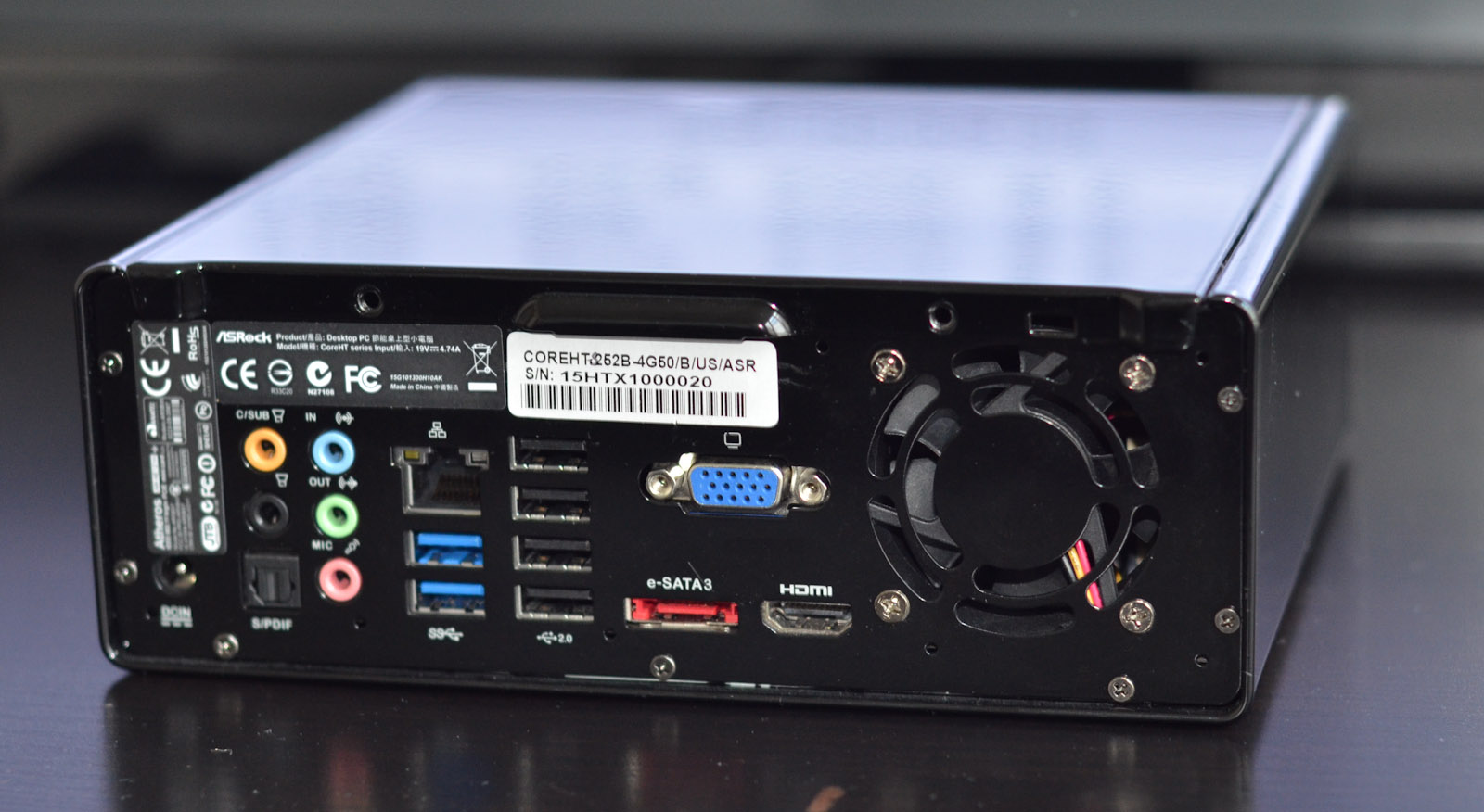
Are they vertical?
http://www.computershopper.com...Or are they horizontal?
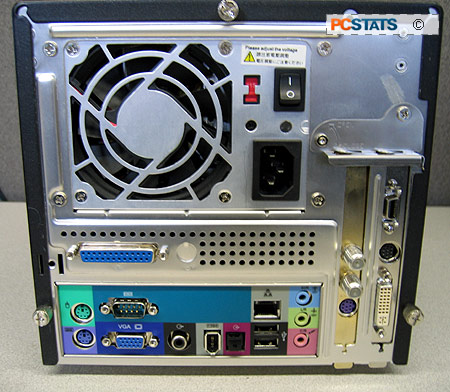
http://images.anandtech.com/do...I guess you could think that it's always parallel to the longest side, but then what orientation does it have when there is no longest side?
http://www.pcstats.com/article...I guess some people would just have to try it 4 ways around.
Note that I'm in no way saying that I think the USB plugs/sockets were a great design in terms of user-experience. At the time they were certainly better than most anything out there with multiple pins. Plugging in a PS/2 plug when you couldn't see the port, now that was torture. I certainly applaud the new design (for the most part).
Ultimately though, there's always going to be people who have trouble plugging devices in - for whatever reason. Some people have trouble just plugging headsets into their phones (judging by the plethora of scratches surrounding the headphone jacks). Thankfully for them, more and more peripherals are available in wireless form.
( Well, except for the power cables. Ever try to plug a U.S. plug in the wrong way around? Easy to do if you don't check which of the pins is the broader one. The C7P (device-end) is even worse. )
-
Challenge accepted
Good luck finding a laptop that doesn't have Windows installed on it.
Well gee, that one wasn't too hard.
Try this one. If that list is a little too complicated to follow, then try ZDnet's top five vendors (desktop a& laptop) from last year.
And of course you can always take pride from the DIY route.
Seriously, do you even care about sticking it to the man? It just seems to me like you're just being lazy. -
Review Roundup
A roundup of reviews from the usual major sites as well as others not mentioned in the summary above: Overclockers Review, Anandtech Review, Anandtech Undervolting/Overclocking, HardwareSecrets, Bit-tech, PCPer, Tweaktown, Hard OCP, The Inquirer, Techspot, Computer Shopper, Tom's Hardware, ExtremeTech, PC Mag, Overclockers Club, and Guru 3d
-
Re:Despite this, Apple will make billions of sales
Well, I could say the same for my self built notebook & desktop machines that run Linux, Windows & OSX (Hackintosh in a VM).
That's worth the thousands of dollars I've saved in the initial purchase as opposed to a single similar spec'ed Apple, or multiple computers... wait, I have saved aggravation, time AND money ? (I win?)
Granted the "well, reinstall the OS" solution is the only way to disinfect some Windows infections, fortunately I don't do dumb things with Windows (Like let it run outside of a VM). Load a snapshot != Reinstall...
-
Fix it yourself.
-
Re:Speaking of technicians doing things....
There's thing called Google you should try it sometime, type in the words: build a laptop and it shows you a list of websites on the topic.
See: http://computershopper.com/feature/build-your-own-laptop-200804
Amazing stuff.
-
Re:Hard Break: Simple Solution
Another possibility might be to install a KVM switch on each computer so that the government employee could switch back and forth between a computer that is connected to the Internet and one that isn't. At one time I had a KVM switch between my new computer and my old computer. The KVM switch allowed me to switch back and forth between the two computers in about two seconds. A KVM (keyboad-video-mouse) switch allows the use of one keyboard, video and mouse to control more than one computer. One of the computers would only be connected to the Internet and the other would be on the internal network (not to the Internet).
If space for the second computer is a problem, there are now computers as small as a book that could be used to connect to the Internet. For browsing the web they could use something small possibly similar to the WinBook Jiv Mini, The Panda PC, MicroServer HP, AOpen MiniPC Duo MPO945-V, or the Apple Mac Mini Core Duo. To keep costs down, perhaps they would not need to upgrade the mini-PC that is connected to the Internet as often as their other computer. Conceivably they could use Ubuntu Linux or Mac OSX on the mini-PC that is connected to the Internet which would be an advantage because virus, worms and spyware are almost unheard of on Linux or Mac computers. They could still use Windows on their main internal network where their computers would live a more sheltered existance. The extra PC wouldn't need to use much extra electricity because some of the mini-PCs only use about 21 Watts.
I am not a computer professional (or expert), but it seems to me that isolating the internal nework from the outside world with a KVM swith might possibly be an alternative to consider. That would be especially true if they are using malware infected Windows computers, are understaffed with properly trained and motivated IT people, and have failed to secure their network by other methods. I have actually thought about doing something like that at home with one or both computers running Linux.
-
Re:Slashdot does Infomercials now?
This article is so misplaced. "Scared of Linux, try our box?" just does not seem the right message for
Well, damn, where's my check then? Check out my User Info if you think I'm being paid for this.
I ran across an ad in Computer Shopper for this product, checked it out (as I'm in the business of setting up servers for small companies), and saw that it used Linux. I thought, "That's an interesting application of Linux and shows a lot of promise. I wonder what the
Oh, and I figure dartek.com probably got a clue from their referral logs. Not everyone is as stupid as Samrobb seems to be.
-
Are you a PC wanker?
List of needed components
Case
Power Supply
CPU
Motherboard
RAM
Floppy or LS-120
DVD/DVD-R/CD-RW, Pick your optical poison
Hard Drives
Sound Card
Modem
Network Card
Zip Drive/Other Removable Rewriteable Media
Don't forget to use wonderful tools like http://pricewatch.com or http://computershopper.com. Watch out for the deals that are too good to be true... though many of the places on either of those sites are obviously operating on razor thin margins, they do make PC building really really cheap.
Now given that list I would purchase a KT266A system or maybe wait for the nForce with a Palmino based Athlon. I would purchase a DVD/CD-RW combo and also another DVD drive, as I always support being able to make disk to disk copies. The Audigy would be a good card if you don't get the nForce based motherboard. DDR RAM is the way to go, it's also probably best to purchase that directly from http://crucial.com. Get yourself the Seagate Barracuda IV's for a quiet and relatively high performing IDE drives with big capacity... For video cards get either the Radeon 8500 or GeForce3 depending on how much you care. Don't forget to get a cool aluminum case like the Lian-Li PC-60 for show value...
That should be everything you need unless you want to go dual processor, which is always a good option.